Chromebook, iPad, or the One Laptop That Still Works: Classkick Runs on All of It
No installs, no logins to reset, no device that won't run it. Students join with a class code in the browser, and their work follows them across devices.
Series:
Any Classroom
Part
3
of
4
A four-part series on seeing student thinking in real time, no matter how your classroom is set up. Virtual, hybrid, or in person. One device type or five. Whole class or six small groups at once. The setup changes. What you can see does not.


Chromebook, iPad, or the One Laptop That Still Works: Classkick Runs on All of It
Part of the Any Classroom series: how Classkick fits the classroom you actually have.
Here's a scene every teacher on a shared cart knows: the lesson is ready, the class is settled, and device #7 won't boot. Two students are on their own phones because the cart came up short. Somebody's login won't reset. Ten minutes of instructional time just became IT triage, again.
Device reality is the quiet tax on classroom technology. Most tools are designed for the 1:1 classroom their designers imagine; most teachers work in the mixed, shared, aging-hardware classroom that actually exists. If a tool only works when the tech cooperates, it doesn't really work.
How do students join without accounts, installs, or resets?
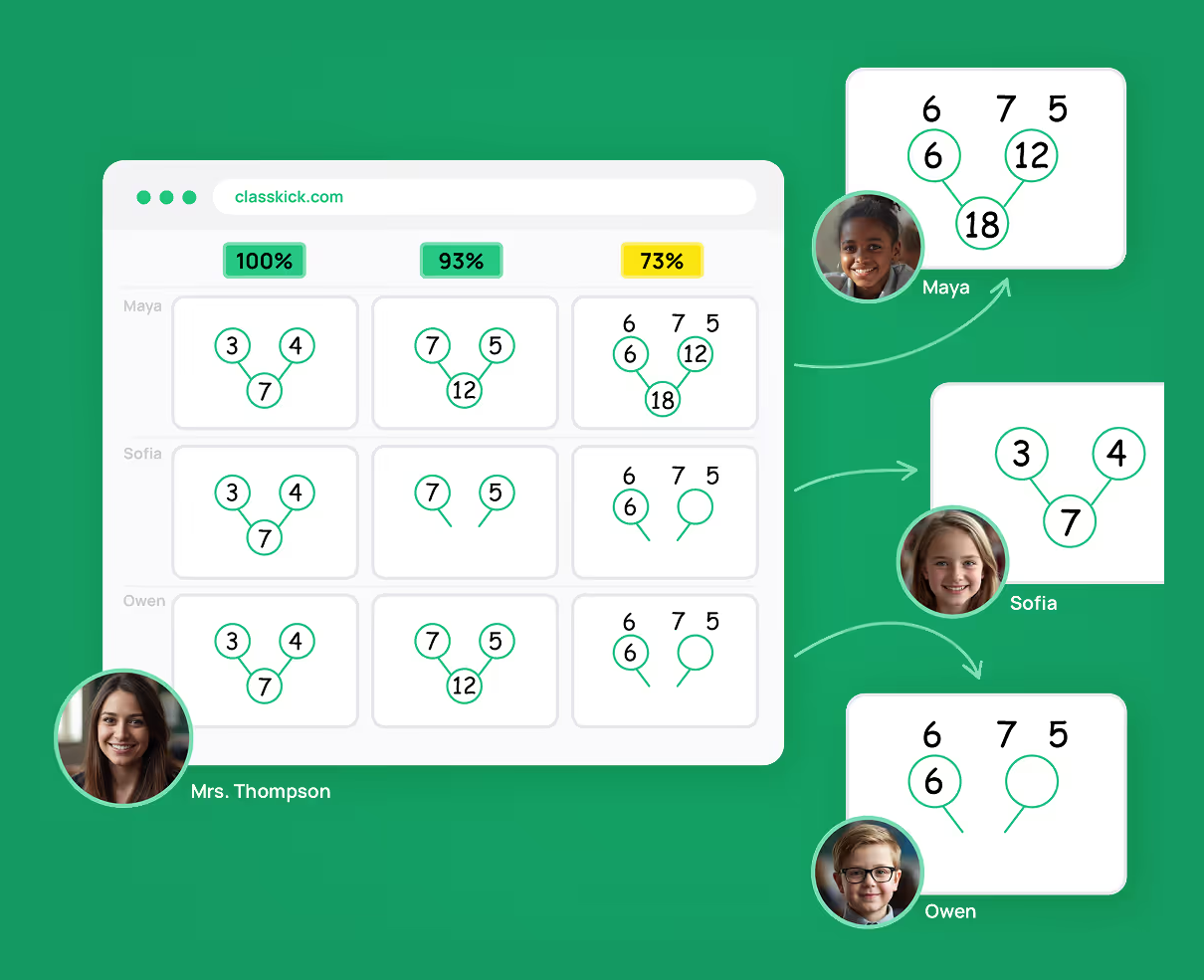
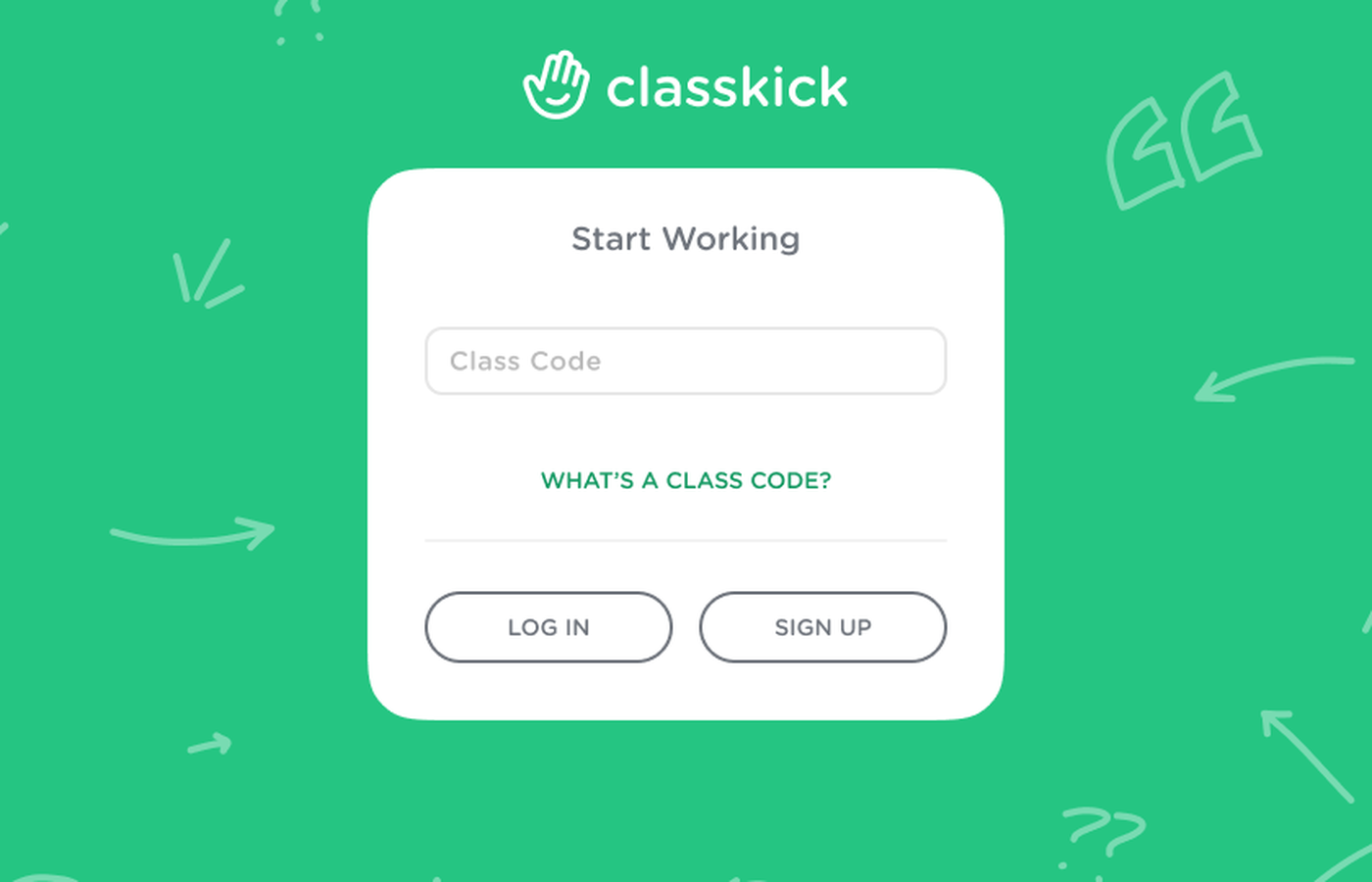
Students join Classkick with a class code, in the browser. No installs to wrestle, no logins to reset mid-lesson, no "sorry, that won't run on this one." Chromebook, iPad, laptop, phone: if it opens a browser, the student is in the activity and their work is visible to you.
What happens on shared carts and rotations?
Work is tied to the student, not the machine. A student who worked on device #12 on Tuesday picks up exactly where they left off on device #4 on Thursday. Rotations, carts that travel between rooms, the desktop row in the back: the work follows the kid.
Does a mixed-device room actually stay manageable?
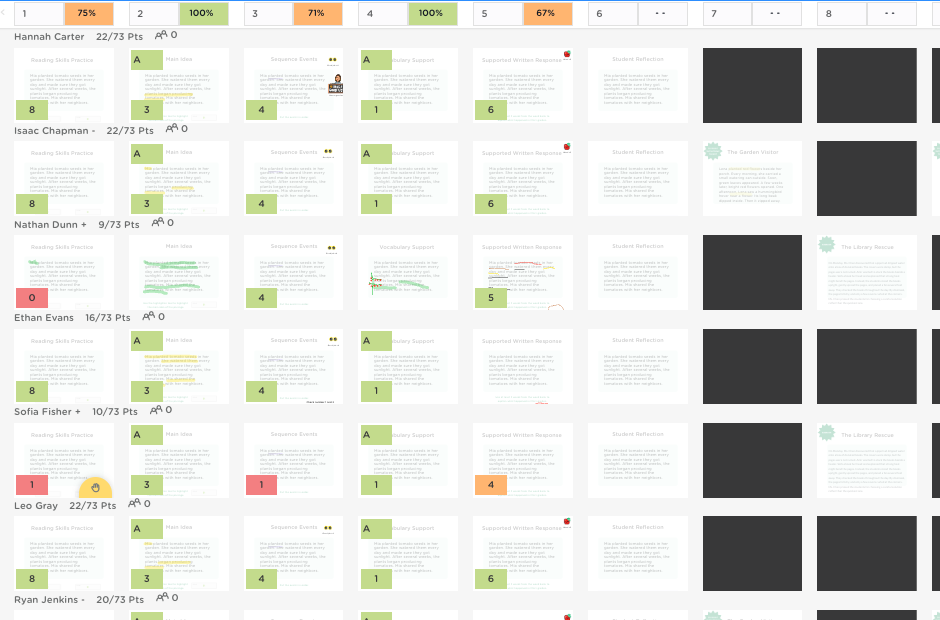
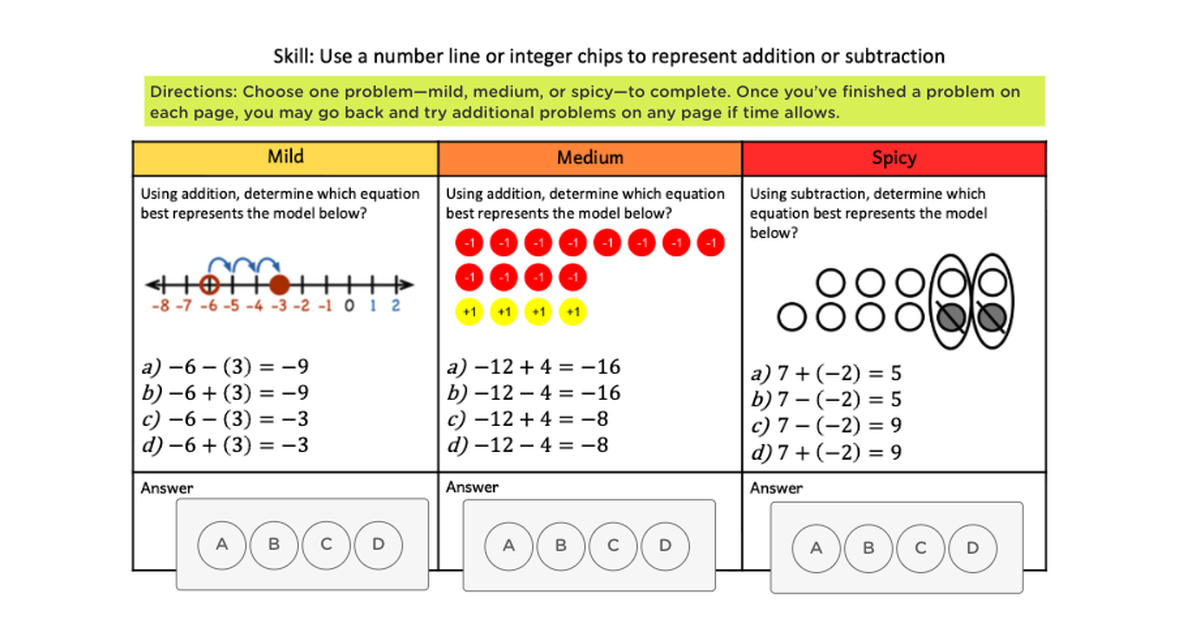
That's the point of the browser-first design: the room doesn't have to match for the class to. In a BYOD room with three kinds of hardware, everyone lands in the same live gallery, doing the same lesson, visible in the same view. Your differentiation decisions get made on students thinking, not on who got which device.
Works on what you've already got
Next in the series: Whole Class, Small Groups, or Six Things at Once →
Check other posts from series
Series:
Any Classroom
A four-part series on seeing student thinking in real time, no matter how your classroom is set up. Virtual, hybrid, or in person. One device type or five. Whole class or six small groups at once. The setup changes. What you can see does not.