
Accessibility
at Classkick


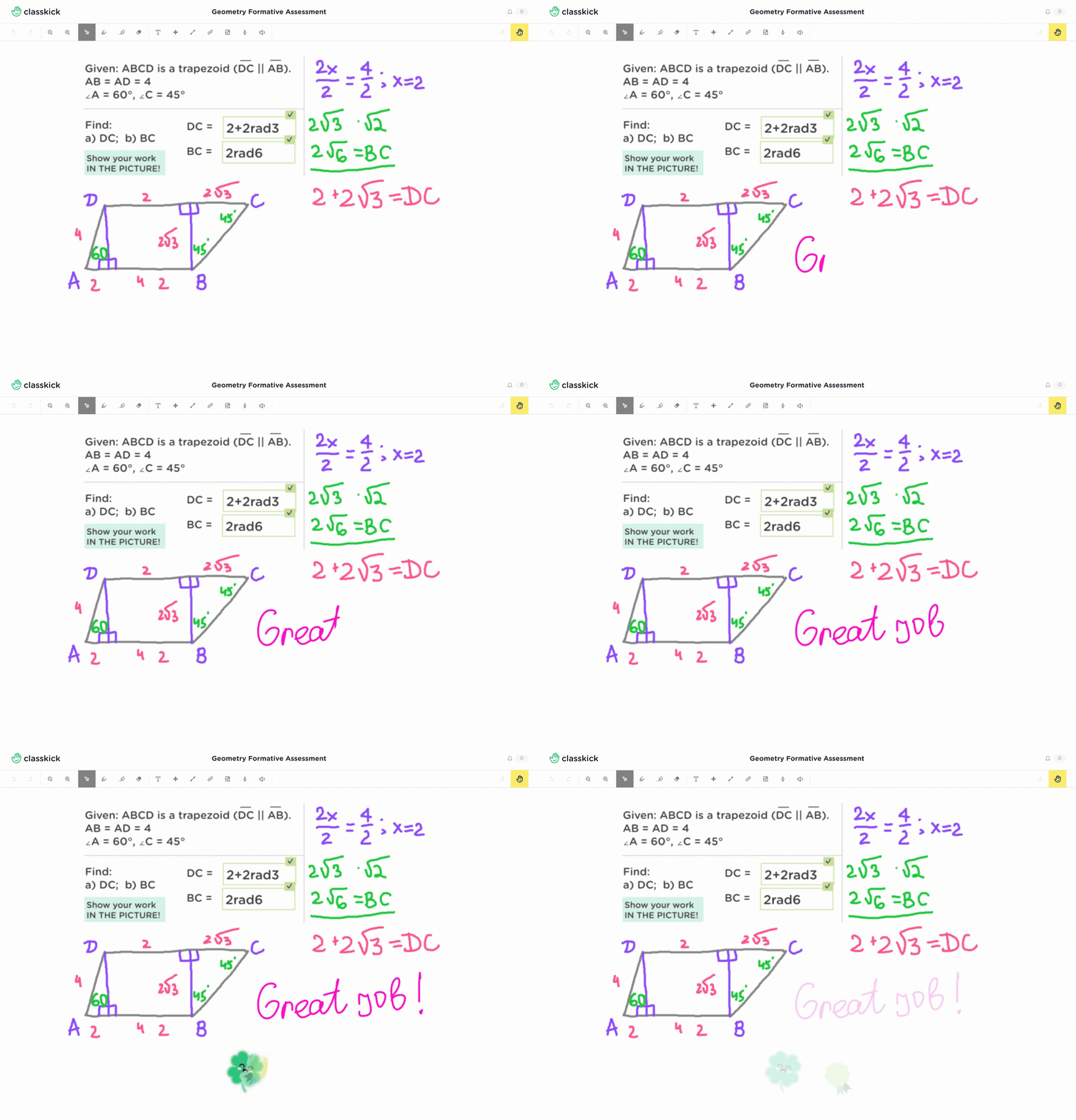
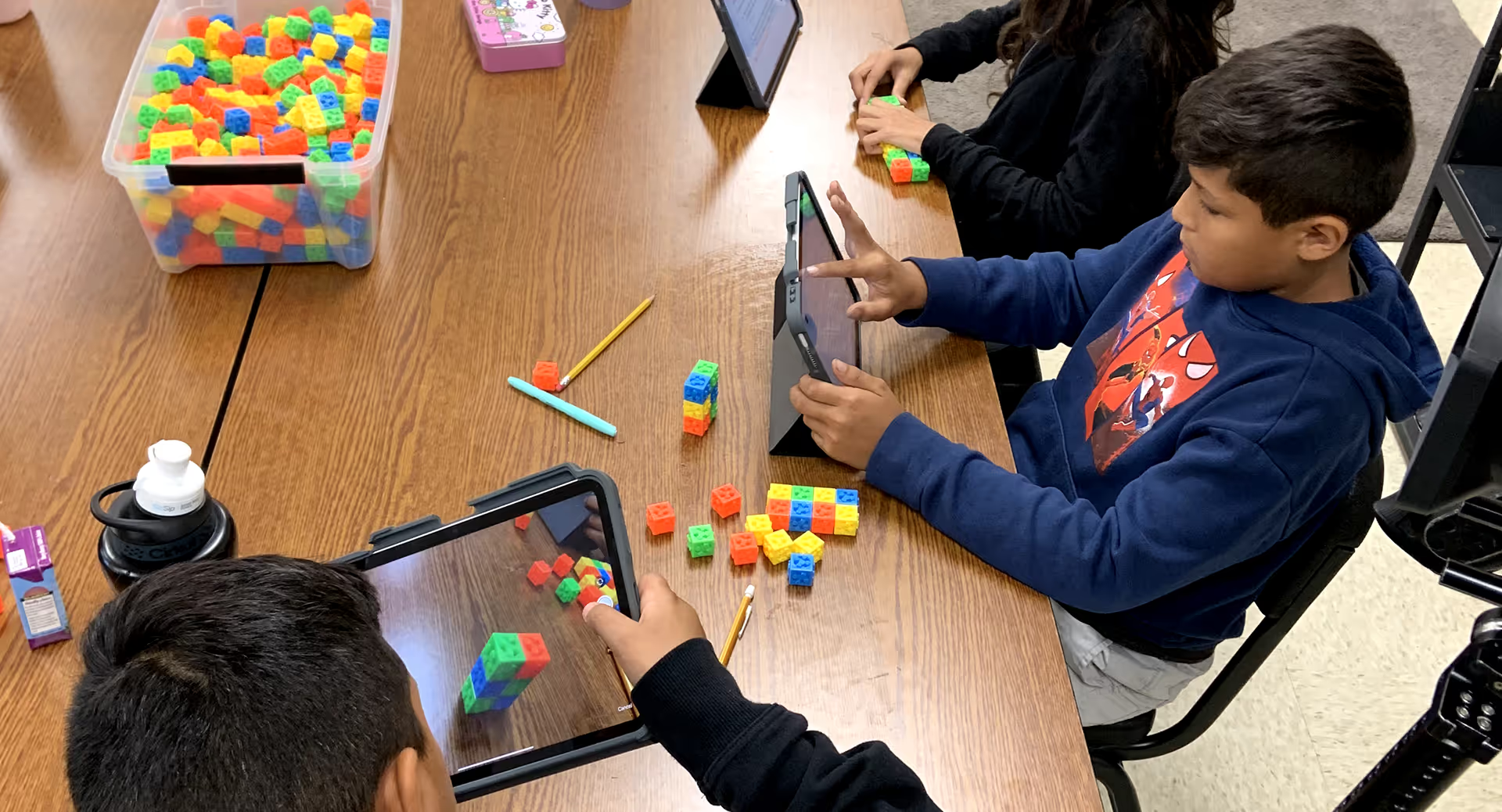
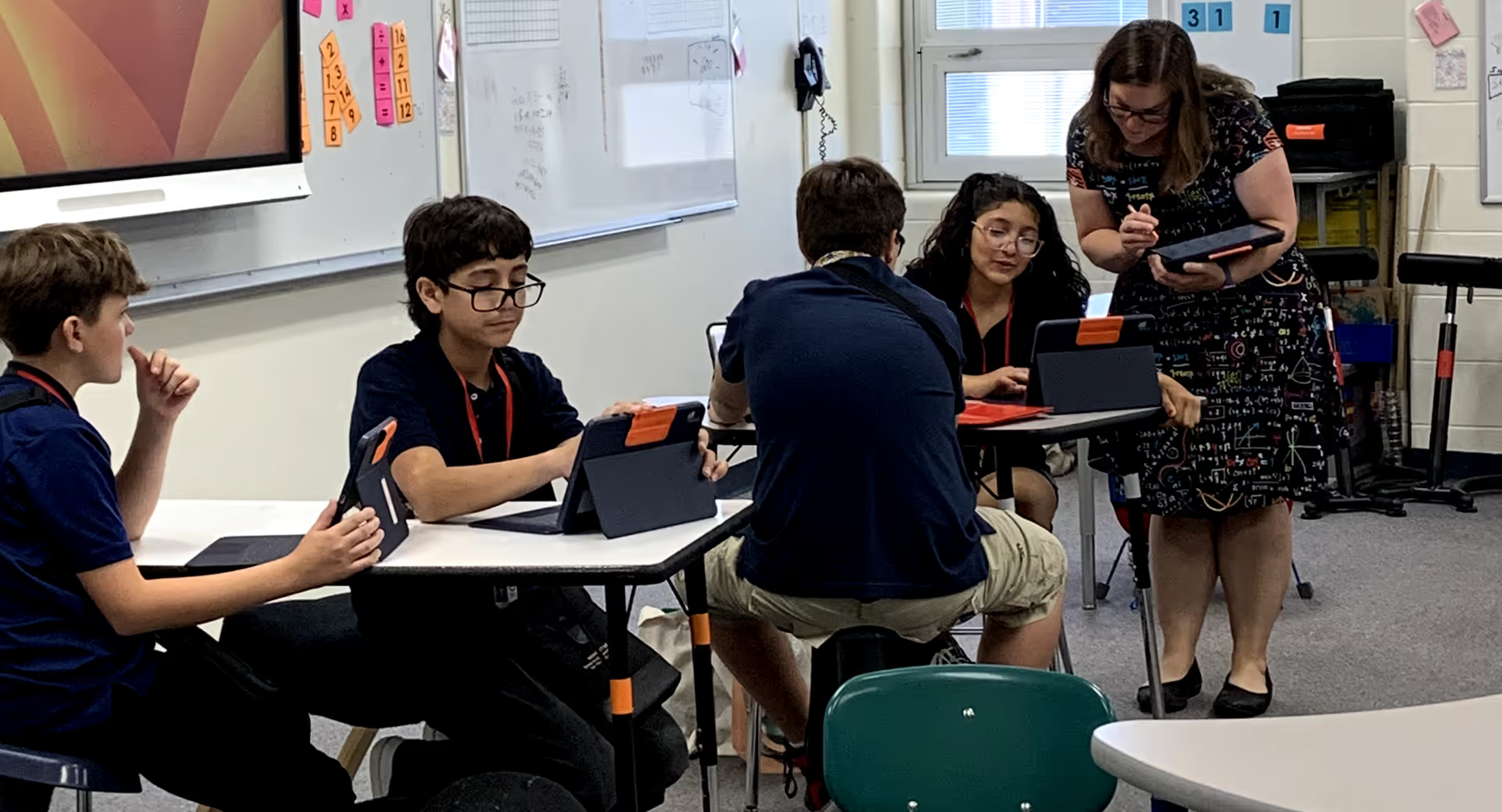
Classkick is built to help more students participate, show their thinking, and get support in ways that work for them. Students can respond with text, drawing, images, audio, and other formats, while teachers can give feedback directly on student work in ways that are more flexible and personal.
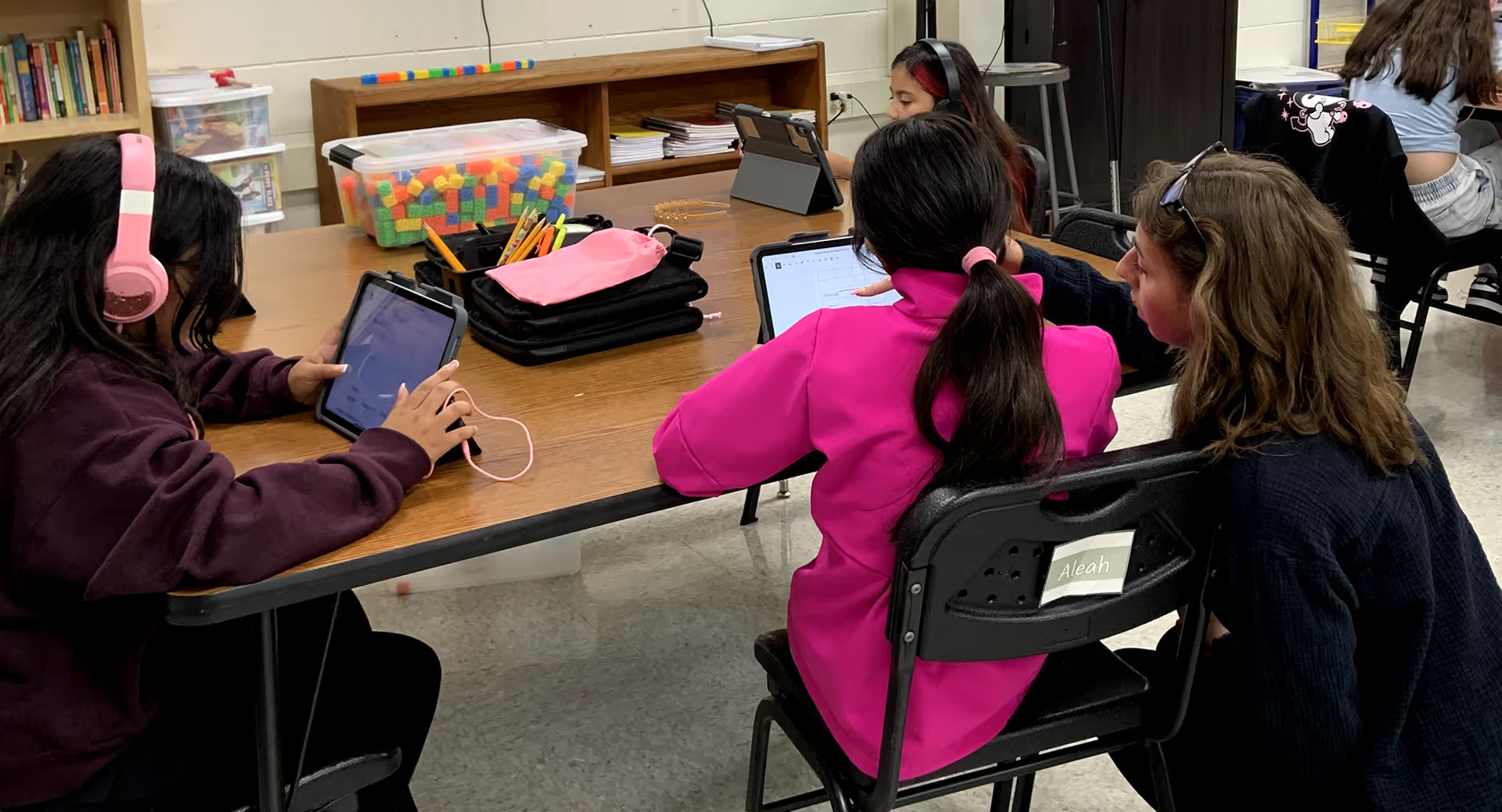
Teachers support accessibility through the way they design instruction in Classkick. Teachers rave about how they can provide a variety of written directions, visual examples, audio support, and differentiated assignments to meet a wider range of learner needs. These tools help students engage more independently and help teachers respond faster when students need support.

We are committed to improving accessibility across Classkick and making steady, transparent progress over time.
For accessibility questions or feedback, contact:
accessibility@classkick.com


Accessibility resources
VPAT history
Accessibility statement
Read our accessibility statementTechnical accessibility details
Classkick is designed to support accessibility best practices and ongoing conformance efforts across our web and mobile experiences.
For the most detailed information, please review our VPAT and accessibility statement
Our accessibility work includes support for common areas such as:

Keyboard navigation
Screen reader support
Color contrast
Text readability and sizing
Multimedia and annotation workflows
Compatibility with major modern browsers and assistive technologies
Accessibility statement
Our approach
Classkick is committed to making our product more accessible for students, teachers, and families.
We support that work by:

Including accessibility in product design and review
Improving accessibility as part of ongoing product development
Using testing and quality assurance processes to identify issues
Incorporating accessibility considerations into research and feedback loops
Conformance status
Classkick is working toward conformance with WCAG 2.1 AA standards. Because Classkick includes teacher-created and student-created content, some experiences may vary depending on how content is authored.
Compatibility
Classkick is intended to work with modern browsers and common assistive technologies, including screen readers and built-in accessibility features on supported devices.
Known limitations
Some accessibility limitations may come from user-generated content.
For example, uploaded images may not include alternative text, videos may not include captions, and audio may not include text equivalents unless added by the content creator.
To help address this, Classkick aims to support multiple ways to present instructions, respond to work, and give feedback, so teachers and students can choose formats that best fit their needs.
Feedback
If you encounter an accessibility issue or have suggestions for improvement, please contact: accessibility@classkick.com
We welcome feedback and use it to improve the product over time.