Whatever Your Classroom Looks Like, Classkick Works
In person, hybrid, or virtual. Shared carts or 1:1. Whole class or six groups. See every student's thinking in real time and respond at the right moment.
Series:
Any Classroom
Part
1
of
4
A four-part series on seeing student thinking in real time, no matter how your classroom is set up. Virtual, hybrid, or in person. One device type or five. Whole class or six small groups at once. The setup changes. What you can see does not.


Whatever Your Classroom Looks Like, Classkick Works
Ask ten teachers what their "classroom" looks like and you'll get ten different answers. One has a cart of shared Chromebooks that rotates between rooms. One teaches third period in person and fifth period fully online. The word "classroom" stopped meaning one thing a long time ago.
What hasn't changed is what teaching actually requires: knowing what your students are thinking while there's still time to do something about it. Decades of research back this up. John Hattie and Helen Timperley's landmark review, The Power of Feedback (Review of Educational Research, 2007), found feedback to be among the most powerful influences on student achievement ever measured, with an average effect size nearly twice that of typical schooling effects.
The catch: feedback only works that way when it arrives during learning, not days later on a graded paper.
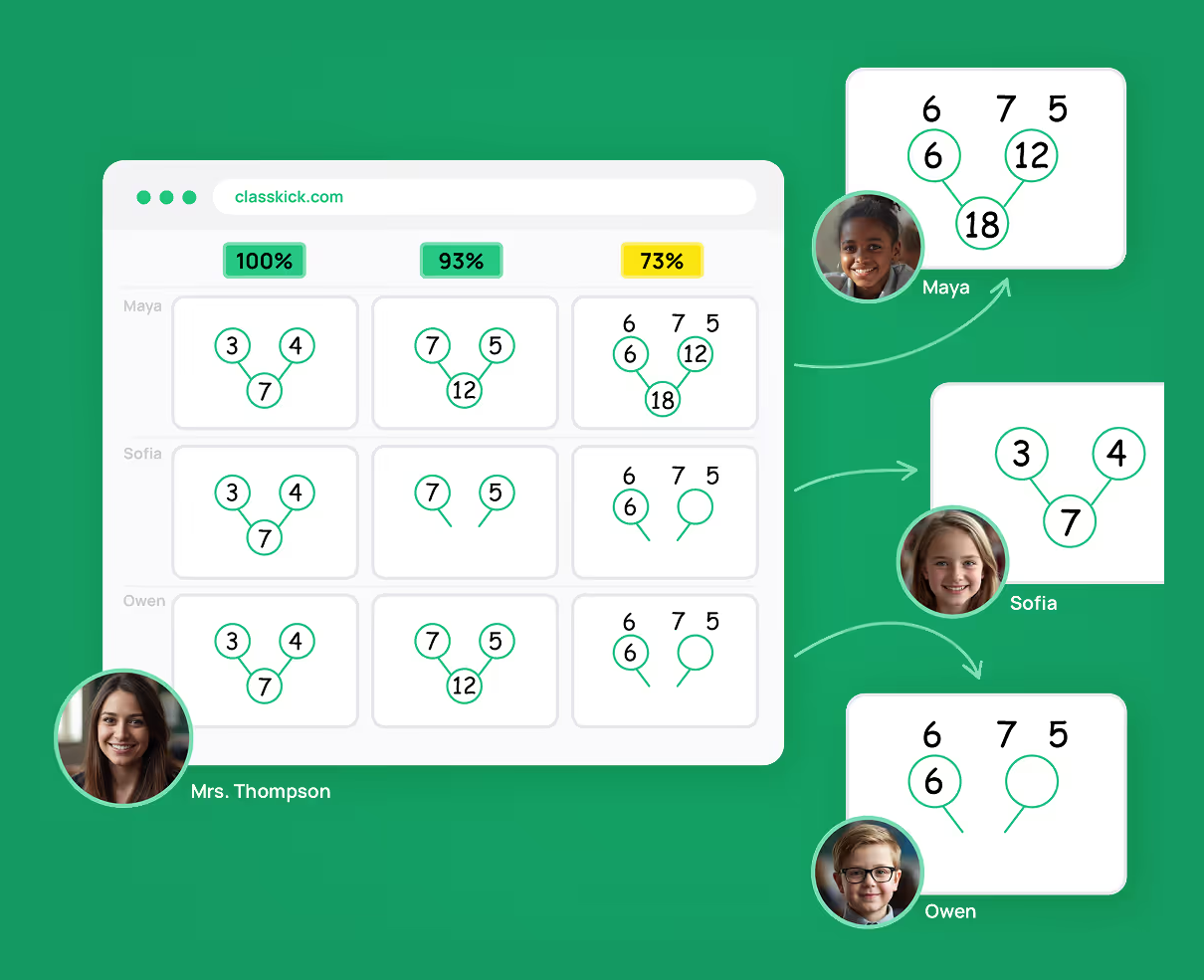
Classkick was built for exactly that. Whatever your environment, whatever your devices, whatever your groupings, the promise is the same: see students thinking in real time, and respond at the right moment. Every classroom is different in those three ways, and the sections below take them one at a time.
What if you could see every student's work, in person, hybrid, or virtual?
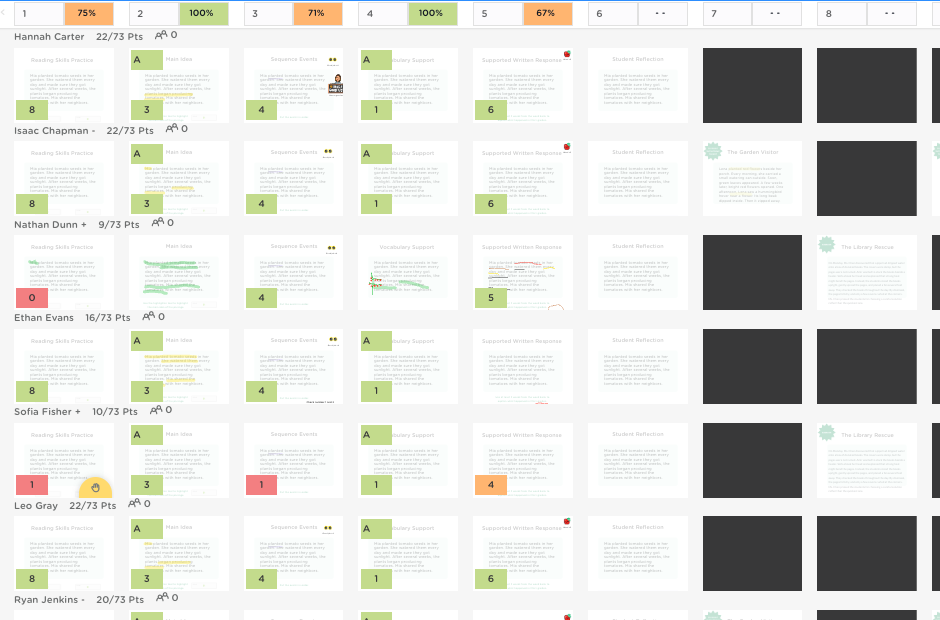
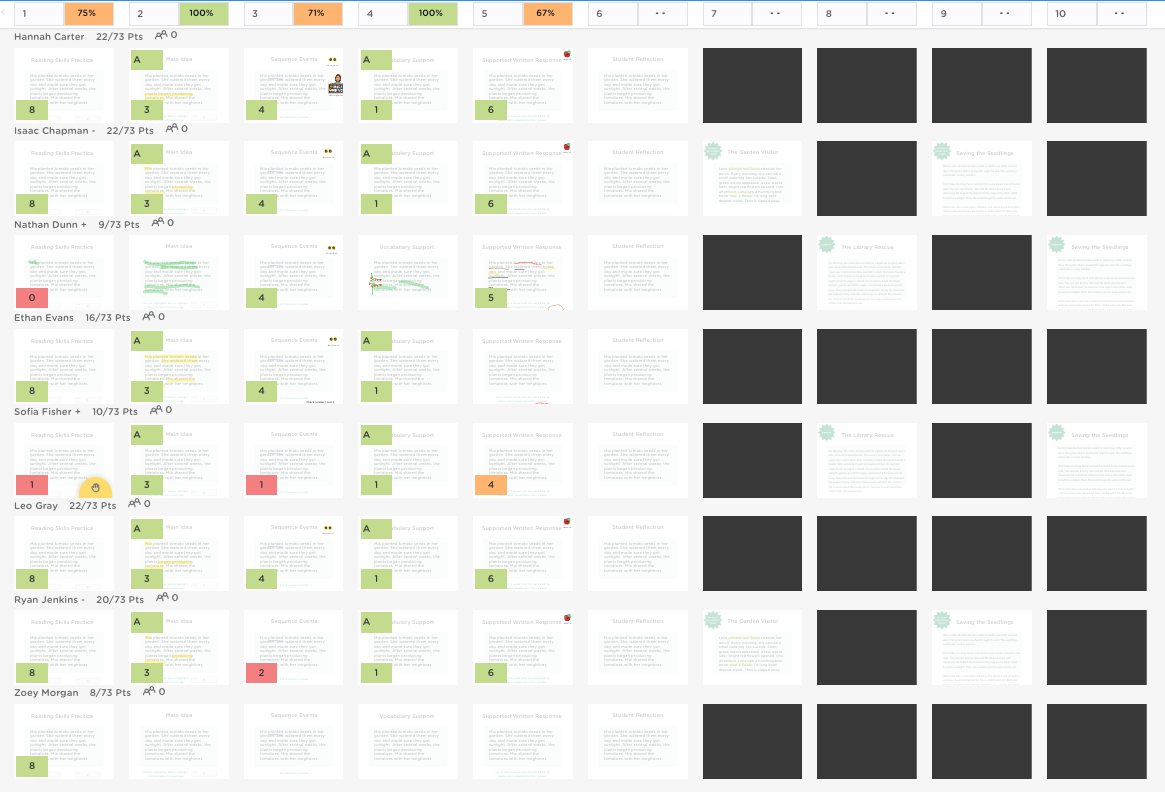
The thing that usually breaks when learning goes remote is visibility. In the room, you can walk around and glance at screens. Online, you're staring at a grid of names and hoping. Classkick closes that gap: every student's work updates live in one gallery, whether they're six feet away or six time zones away. In-person, hybrid, and fully virtual classes all land in the same view, with no second system and no parallel lesson.
Read the full guide → See Students Thinking, In the Room or Across the Country
What if the device cart stopped mattering?
Not every classroom is a shiny 1:1 environment. Students join Classkick with a class code, in the browser, on whatever is in front of them: a Chromebook, an iPad, a laptop, a phone. Work is tied to the student, not the machine, so a kid on a shared cart picks up exactly where they left off. Your tech reality stops being a barrier to good teaching.
Read the full guide → Chromebook, iPad, or the One Laptop That Still Works
What if one lesson could flex from whole-group to intervention?
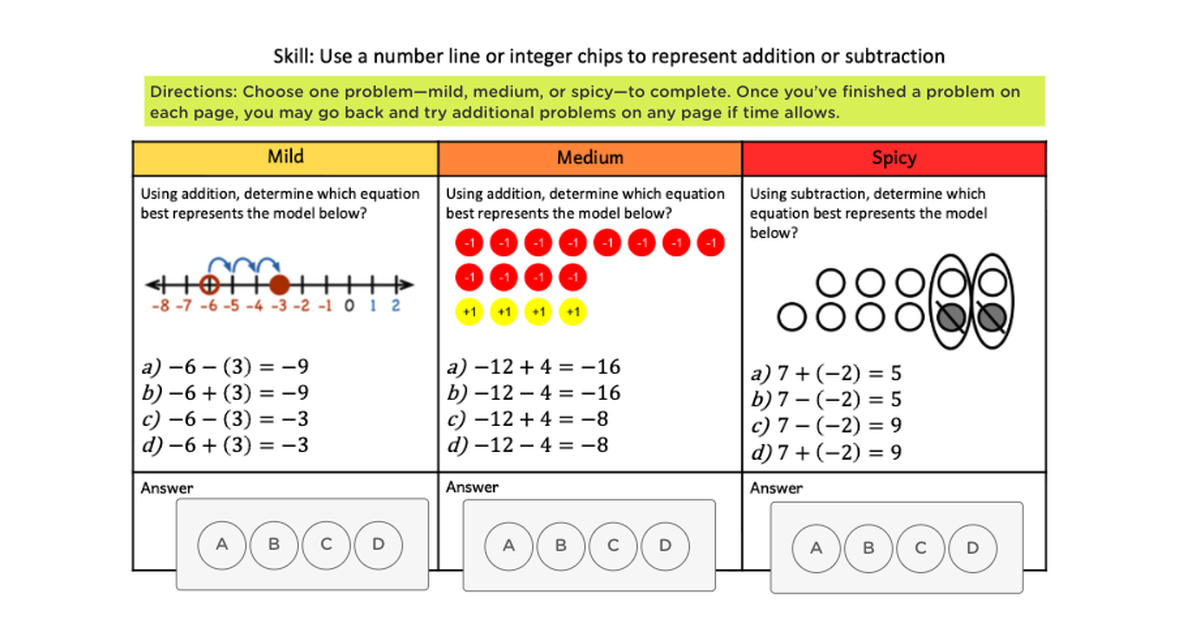
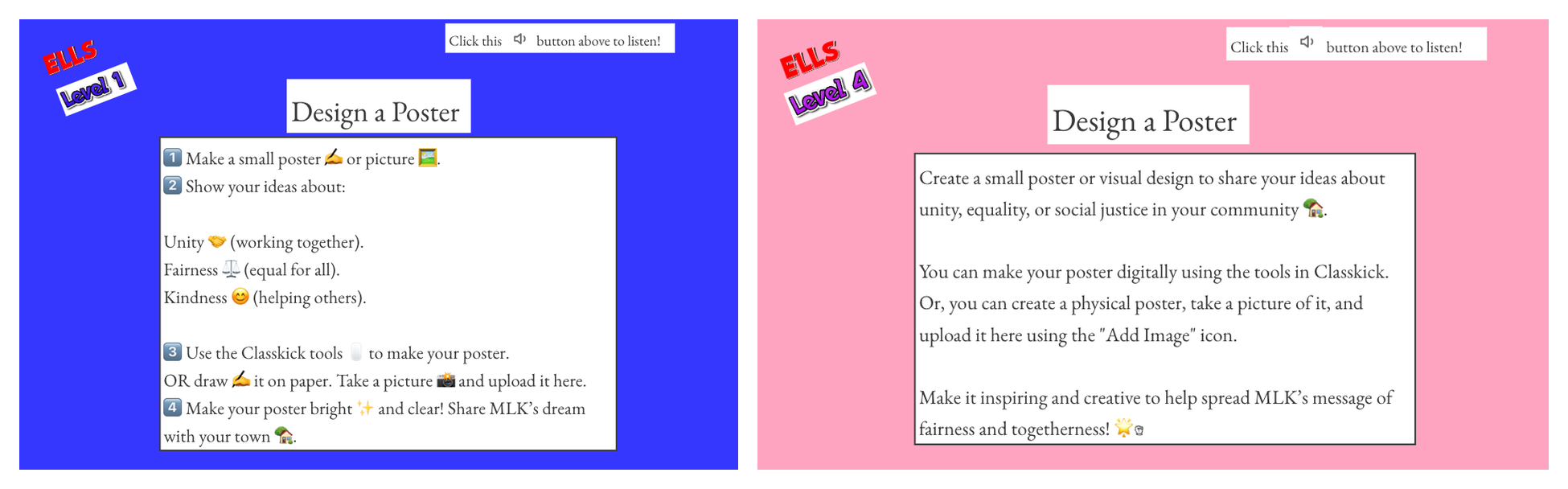
How you teach changes hour to hour, and the tool should flex with it: whole-class on one screen, small groups where you can see who needs you without stopping the group, self-paced centers, and quietly differentiated versions of the same lesson. Different paths, and nobody in the room knows who has which.
Read the full guide → Whole Class, Small Groups, or Six Things at Once
The common thread
Environments change. Devices change. Groupings change three times before lunch. What doesn't change is what teachers actually need: to see students thinking while it's happening, and to respond at the right moment. That's the one thing Classkick does everywhere. The tool bends to your classroom instead of asking your classroom to bend to technology.
"If I only had one tool for my classroom it would be Classkick. There isn't a better way to run small groups, see student work, or provide feedback."
Paige, a teacher in Texas
Try it free with the lessons you already have
Check other posts from series
Series:
Any Classroom
A four-part series on seeing student thinking in real time, no matter how your classroom is set up. Virtual, hybrid, or in person. One device type or five. Whole class or six small groups at once. The setup changes. What you can see does not.